




 Português
 English
Online meetings,
every second of delay = every second of cost for the other party.
In an era where efficiency reigns supreme,
how can you host a convenient and effective cross-border meeting?
DingTalk Meetings subtitles support 21 languages for mutual translation, providing strong support for enterprises expanding overseas; it allows you to set up a personal hotword library for more accurate speech-to-text; the interpreter-side experience for simultaneous interpretation has been upgraded, making the translation process more efficient and convenient. Features such as manually disconnecting audio, renaming during a meeting, and designating a new host enhance the overall meeting experience.
1. Subtitles support 21 languages for mutual translation
Smart subtitles now support mutual translation between Simplified Chinese, English, Japanese, Korean, Thai, Indonesian, French, and 21 other languages in total, making international collaboration smoother and providing strong support for enterprises expanding overseas.
2. Support for setting up a personal hotword library
You can now add your own hotword library via "Subtitles" - "Hotword Settings," making speech-to-text more accurate and delivering a better user experience.

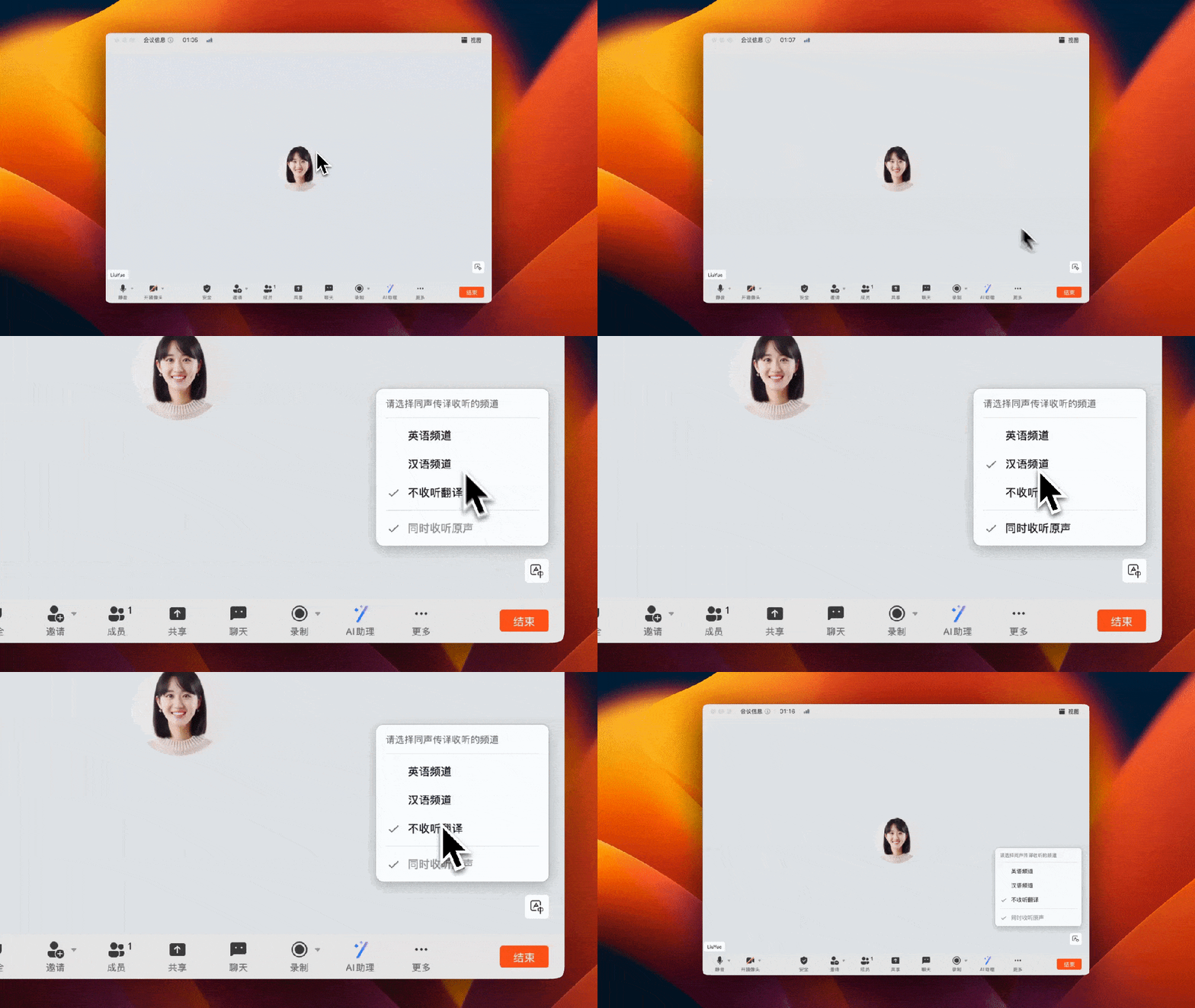
3. Upgraded interpreter-side experience for simultaneous interpretation
In simultaneous interpretation scenarios, the original audio volume is intelligently adjusted while listeners are hearing the translation, ensuring smooth listening across multiple languages; on the interpreter side, new features have been added, including keeping the channel selection window fixed, defaulting to the target language output, speeding up channel switching, and providing failure notifications, helping interpreters work more efficiently and conveniently during the translation process.
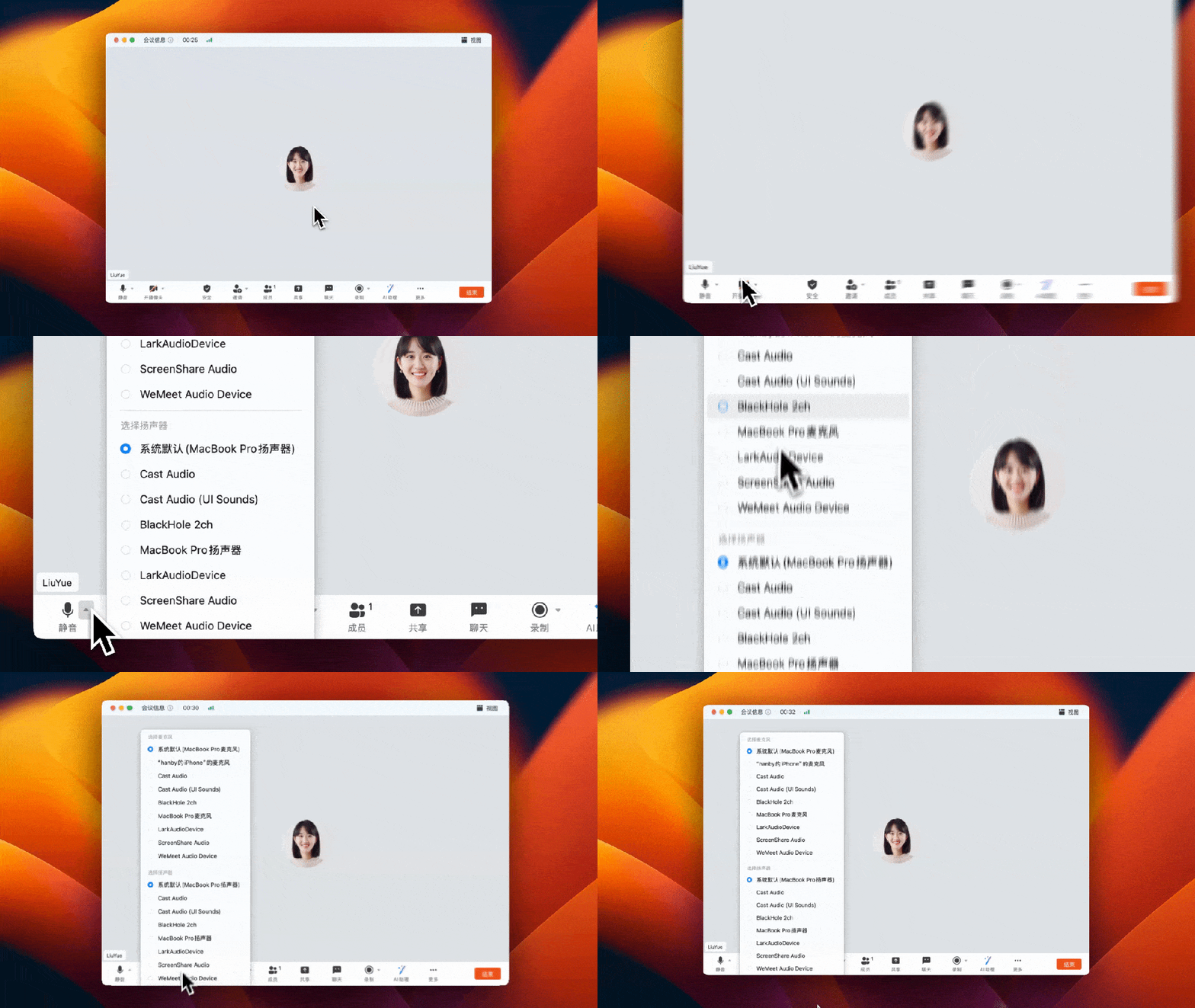
4. Support for manually selecting and disconnecting audio devices
When multiple audio devices are connected in an offline conference room, you can use the "Disconnect Audio" option in the meeting interface to streamline the devices, avoiding echo interference and optimizing the meeting experience.
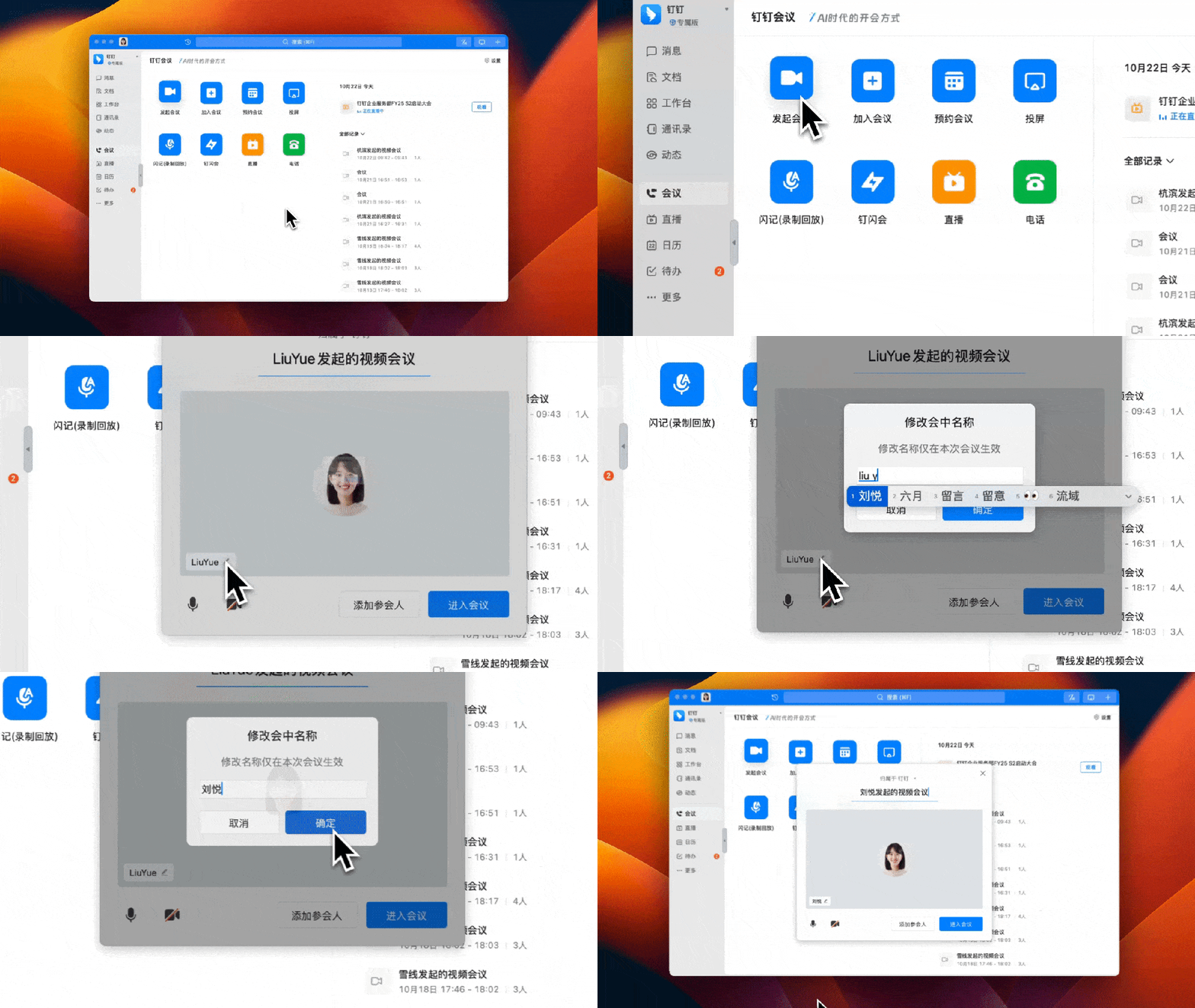
5. Support for changing the in-meeting name when initiating or joining a meeting
You no longer need to wait until you join the meeting—video meetings now allow you to change your in-meeting name when initiating or joining, making it more suitable for all-hands meetings, business meetings, and other scenarios where participants' names need to follow a unified standard.
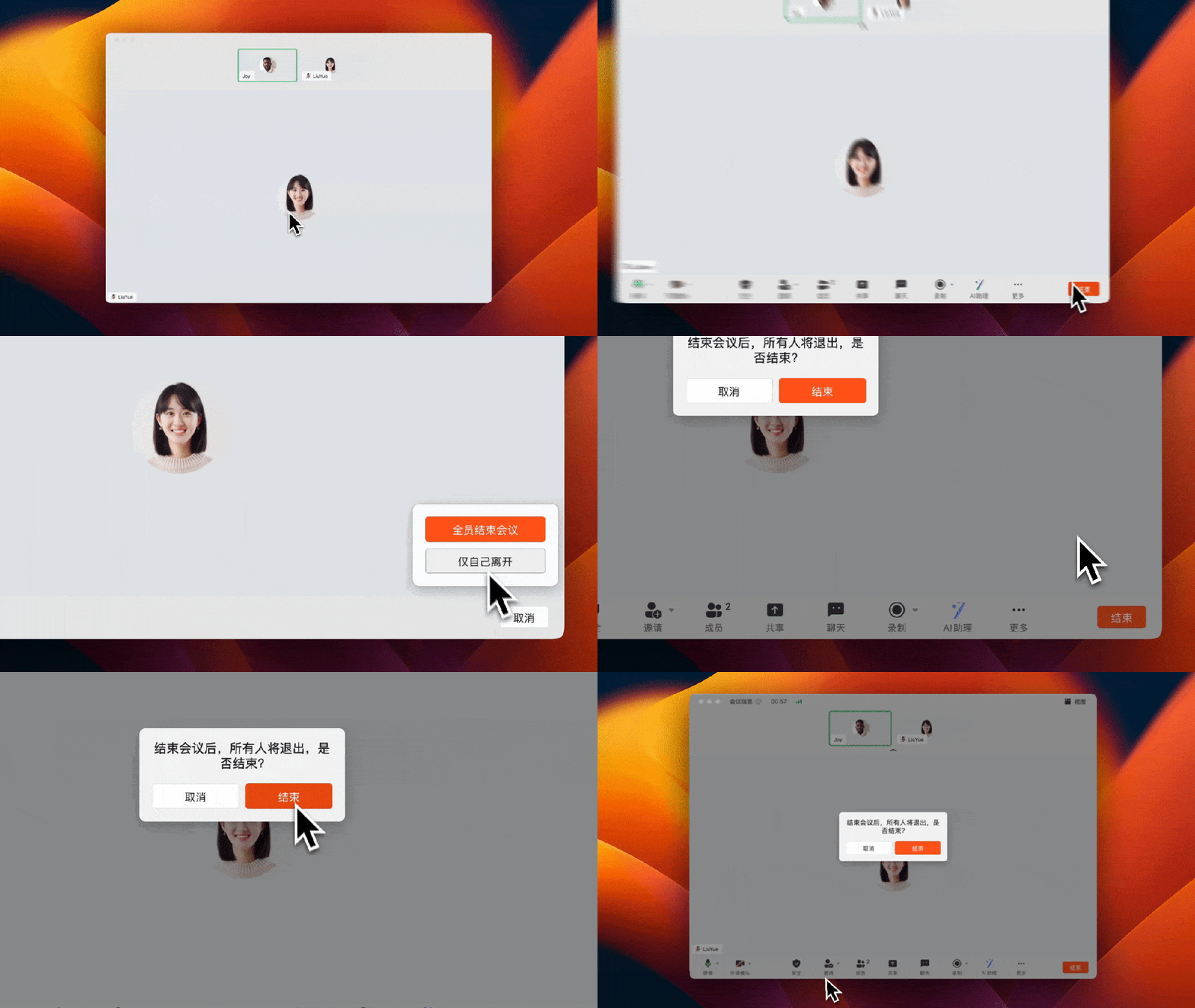
6. Support for designating a new host when leaving a meeting
When the host ends the meeting, a secondary confirmation pop-up appears. If you leave the meeting midway, you can designate a new host, preventing accidental operations and ensuring that the meeting process remains complete and orderly.
DomTech is DingTalk's officially designated service provider in Macau, specializing in providing DingTalk services to a wide range of customers. If you'd like to learn more about DingTalk platform applications, you can contact our online customer service directly, or reach us by phone at +852 95970612 or by email at [email protected]. We have an excellent development and operations team with extensive market service experience, ready to provide you with professional DingTalk solutions and services!